
Best VPNs for China 2026: Stay Connected & Access Apps

Planning a trip to China? Set up a VPN before you fly. It helps you use apps like Facebook, Instagram, Gmail, and Messenger when they do not load as usual in China. This way, you can message family, check travel details, and share updates without stress.
What is a VPN and How Does it Work?
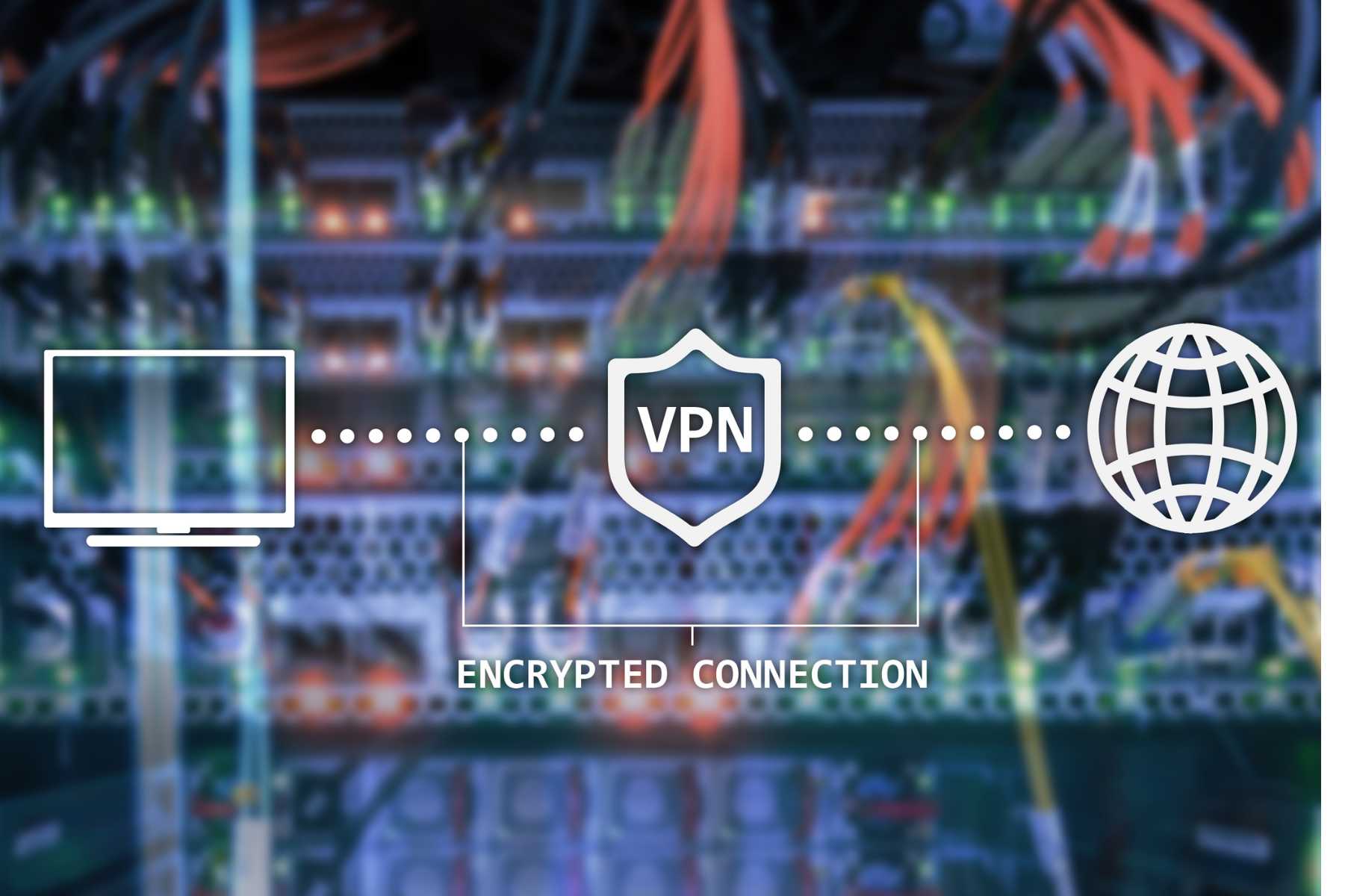
A VPN, or Virtual Private Network, helps keep your internet connection more private and secure. When you turn it on, your connection passes through a secure server in another country, such as the Philippines, Singapore, or the US.
For Filipino travelers in China, a VPN is useful because:
- Some apps like Facebook, YouTube, Google, Gmail, Instagram, and Messenger may not open normally.
- It helps you message family, check travel details, and stay updated.
- It works like a private online tunnel for safer browsing.
- It is best to install and set it up before flying to China.
Choose a reliable VPN, as not all VPNs work smoothly in China.
Explore More Flights to China


Apps That May Not Work in China Without a VPN

Many apps Filipinos use every day may not work normally in mainland China. This can be a problem when you need to check bookings, contact family, use maps, or search for travel information.
Common apps that may need a VPN include:
- Google Services: Google Search, Google Maps, Google Translate, and Google Drive
- Gmail: For flight tickets, hotel vouchers, and booking emails
- Facebook and Instagram: For posts, stories, and messages
- Messenger and WhatsApp: For calls and chats with family and friends
- YouTube: For travel guides, videos, and entertainment
- Google Play Store: For downloading or updating apps on Android
Tip: Install and test your VPN before flying. Also download backup apps like Baidu Maps, WeChat, Alipay, and offline maps in case your VPN is unstable.
Best VPNs for Filipinos in China
VPN performance in China can change depending on your location, hotel Wi-Fi, mobile data, and server choice. Set up your VPN before leaving the Philippines, as some VPN websites and app stores may be hard to access in China.
| VPN Provider | Price From* | Best For |
|---|---|---|
Surfshark | From US $1.99, around ₱113.82 | Budget trips, families, unlimited devices |
NordVPN | From US $3.09, around ₱176.63 | Speed, privacy, work, and streaming |
ExpressVPN | From US $2.79, around ₱159.55 | Beginners who want easy setup |
Astrill VPN | From US $12.50, around ₱714.88, or US $30 monthly | Long stays and backup use in China |
*Prices are based on long-term promo plans and may change.
Quick Tips
- Install and log in before your flight.
- Test the VPN while still in the Philippines.
- Save your login details.
- Choose a paid and reliable VPN, as free VPNs may be slow or unstable.
- For longer China trips, having a backup VPN can be helpful.
Find the Best Hotels in China
 NO.1
NO.1






















































Things Filipinos Should Consider Before Choosing a VPN
Not all VPNs work smoothly in China. Some may fail to connect, while others can be too slow for Messenger, Gmail, Google Maps, video calls, or travel bookings. Before buying a plan, check these important points:
- Reliability in China: Choose a trusted VPN that is known to work in China. Free or random VPN apps may not connect once you arrive.
- Stable speed: Pick a VPN with good speed, especially if you need to call family, check emails, use social media, or stream videos.
- Easy setup: If you are not techy, choose an app with a simple layout and one-click connect.
- Obfuscated servers: This feature can help the VPN work better on restricted networks, which is useful when traveling in China.
- Price and trip length: A short trip may only need a monthly plan, while frequent travelers can save more with a long-term plan.
- Device limit: Check how many devices you can connect, especially if you are bringing a phone, laptop, tablet, or traveling with family.
- Refund policy: Choose a VPN with a money-back guarantee, so you can test it before your trip.
- Pre-trip setup: Install, log in, and test your VPN while you are still in the Philippines.
Tip: Save your login details, customer support page, and backup server list before flying. For longer trips, it is also smart to install a second VPN as backup, just in case your main one does not connect.
VPN App vs China eSIM With Built-In VPN
Before your China trip, you can stay connected by using a standalone VPN service or choosing a China eSIM with built-in access support.
Separate VPN App
A VPN app is installed separately on your phone, laptop, or tablet.
Good for:
- Hotel Wi-Fi, airport Wi-Fi, and mobile data
- Travelers using more than one device
- Work trips or laptop use
Take note:
- Install and test it before flying
- Some VPNs may be slow or may not connect
- You may need to change servers
China eSIM With Built-In VPN
A China eSIM gives you mobile data, and some plans also help you access apps like Google, Gmail, Facebook, Instagram, Messenger, and WhatsApp.
Good for:
- Short trips and tourists
- Easy setup on your phone
- Using maps, bookings, and messaging apps
Take note:
- Usually works only on the phone with the eSIM
- May not work when using hotel Wi-Fi
- Your phone must support eSIM
- Not all China eSIMs include built-in VPN, so check before buying
For most Filipino travelers on short trips, a China eSIM with built-in VPN is easier. For work trips, long stays, or laptop use, a separate VPN is still useful.
Recommended eSIMs Options for China

![[Mainland China] 5G | eSIM Internet Card | China Mobile CMLink | 3-15 days optional | Ready to use | Hotspot supported | QR Code](https://ak-d.tripcdn.com/images//0580j12000n1ddzf21240_C_568_320.jpg)
Tips for Using a VPN in China
Using a VPN in China can be smooth if you prepare before your trip. Here are some simple tips Filipino travelers should remember:
- Subscribe before leaving the Philippines: Some VPN websites may be hard to open once you are already in China.
- Install and test it early: Try the VPN on your phone, laptop, and tablet before your flight.
- Keep at least 2 VPNs ready: If one app does not connect, you still have a backup.
- Use nearby servers: Try servers in Hong Kong, Japan, Singapore, or Taiwan for better speed.
- Update your VPN app: Make sure the app is updated before you travel, so it has the latest connection settings.
- Save your login details: Screenshot or write down your account details in case you get logged out.
- Turn it on before opening blocked apps: Connect your VPN first, then open Facebook, Gmail, Instagram, YouTube, or Google.
Tip: Do not wait until you arrive in China to set up your VPN. It is much easier to fix problems while you are still in the Philippines.
FAQs About Best VPN in China
-
Is it legal to use a VPN in China?
-
How do I know a VPN still works in China?
-
Which servers should I choose for best speed?
-
Should I install the VPN before arriving in China?
-
What if my VPN stops working while I’m in China?
Trending Searches
-
Popular Content
-
Top Flight Links
-
Popular Hotels
-
Popular Things to Do
-
Featured guides
-
Trip.com links
- Trip.com E-Ticket
- Trip.com Payment Methods
- Trip.com Passport Change
- Trip.com Customer Service
- Trip.com Flight Cancellation
- Trip.com VIP Lounge Access
- Trip.com Phone Number
- Trip.com Check In
- Payment Sale
- Trip Coins
- Trip.com Hotel Refund
- Trip.com Cancellation Policy
- Trip.com Ticket Issued Status
- Trip.com Flight Ticket
- Trip.com Membership
- Trip.com E-Receipt
- Trip.com Seat Selection
- Trip.com Baggage Allowance
- Trip.com Flight Change
- Trip.com Reviews
- Cheap flights from Manila to Hong Kong
- Cheap tickets from Manila to Tagbilaran
- Cheap tickets from Manila to Iloilo City
- Cheap tickets from Manila to Cebu
- Cheap tickets from Manila to General Santos
- Cheap tickets from Cebu to Manila
- Cheap flights from Bacolod to Manila
- Cheap flights from Manila to Tacloban
- CA986 Flight Status
- 5J187 Flight Status
- PR431 Flight Status
- PR741 Flight Status
- AC076 Flight Status
- 5J582 Flight Status
- Z2093 Flight Status
- Hotels near 72 wonder tower
- Hotels near Mactan–Cebu International Airport
- Hotels near Fenghuang Ancient Town
- Hotels near Greenland Xindu East Coast Times Square South Area
- Hotels near Changbai Mountain Beauty Pine International Sculpture Park
- Shiji Qingteng Capsule Hotel (T3 Terminal)
- Bangkok-Pratunam Hotel
- Shangri-La Resort
- De Mani Hotel
- JI Hotel (Old Town of Lijiang)
- Hotels in Fenghuang County
- Hotels in Davao City
- Hotels in North Jakarta
- Hotels in Moscow
- Hotels in Kuala Lumpur
- Philippines 5G eSIM | Dual Network • All AI & TikTok | Day Pass/Total Data Package | 24-Hour Billing | 1-30 Days | QR Code
- Private Mutianyu Great Wall Trip With English-speaking Driver
- Explore Guilin with Ease: Premium Private Car Service
- Chengdu Departure - Bipenggou Shuttle Bus
- Vietnam | 4G/5G eSIM | Daily/Data Plan | 24-hour Billing | 1-30 Days | QR code
- Vietnam Airport VIP Fast Track Service
- European universal 5G/4G eSIM | Multi-network support, supports All AI & TikTok | 500MB/day - 50GB total | 1-90 days | 24-hour billing | QR code
- Bangladesh Dhaka DAC Hazrat Shahjalal International Airport T1 terminal international departure IBalaka Executive Lounge international departure lounge experience
- Inverness, UK: Glenfinnan Viaduct + Loch Ness + Mallaig Day Tour
- Derry: McCrossan's Public Walking Tour of the Historic City
- London: Doctor Who Guided Walking Tour
- Rotterdam: Bike Tour
- Must-try Manhattan restaurants in Singapore with restaurant reservation service
- Kota Kinabalu sunset paddleboarding at Tanjung Aru beach with SUP stand-up paddleboarding
- Incheon Airport Landing + Muuido Island Marine Tourism
- Mothers Day Gifts
- eSIM
- Hong Kong International Airport
- International Driving Permit
- Toronto Pearson International Airport
- Universal Studios Singapore
- Great Wall of China
- UK ETA
- Narita International Airport
- China Currency
- Changi Airport
- Schengen Visa
- Singapore MRT Map
- France Visa
- Ninoy Aquino International Airport