Trip.com Booking Fee: Charges, Taxes and What to Expect

By Trip.com
July 3, 2026
Many Filipino travellers use Trip.com to book flights and hotels because it is easy and convenient. But sometimes, when you reach the payment page, you may notice an extra service or booking fee on selected bookings. This short guide explains what the fee is, why it may appear, and how to check the final price before paying.
What Is the Trip.com Booking Fee?
A Trip.com booking fee, sometimes shown as a service fee, is an extra charge that may appear on selected flights, hotels, trains, or activities. It is separate from airline or hotel charges and is not a government tax.
However, not all Trip.com bookings have a separate booking fee. For many standard flight and hotel bookings, there may be no separate platform fee, or the fee may already be included in the displayed price. Always check the price breakdown on the payment page before confirming.
What the Trip.com Booking Fee Covers | Details |
|---|---|
Reservation Processing | Confirms and manages your flight, hotel, or activity booking |
Payment Handling | Secure payment system and currency conversion |
Customer Service Support | Help from customer support before and after booking |
Ticket Issuance & Management | E-ticket release, booking changes, and itinerary updates |
How Much Is the Trip.com Booking Fee?
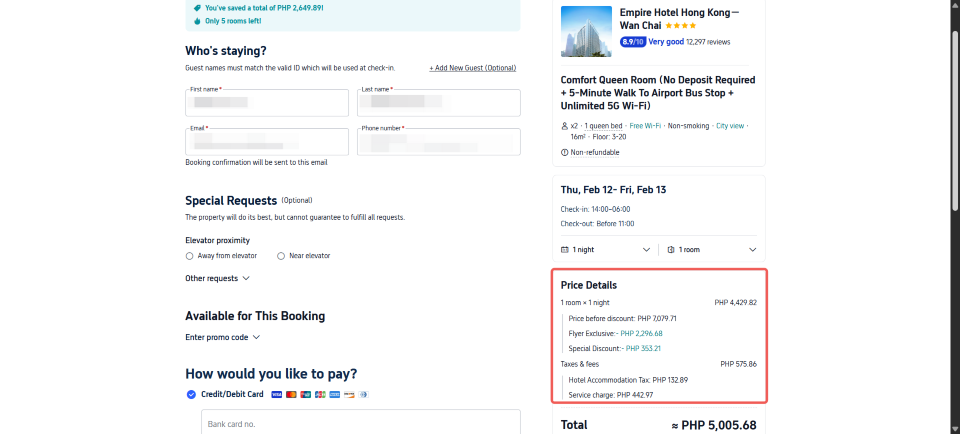
There is no fixed Trip.com booking fee. The amount depends on your booking type, destination, currency, provider, and total booking value. Some bookings may show a small service fee, while others may not have a separate fee at all.
The booking fee may vary based on:
- Type of booking like flights, hotels, trains, or activities
- Total travel price
- Destination and currency
- Domestic or international trip
- Last-minute booking or special handling needs
You will usually see any service fee before you confirm payment, so always review the final amount carefully.
💡 Note: Avoid using fixed estimated PHP fee ranges because the actual fee can change depending on the booking details. Always rely on the final price shown on Trip.com before payment.
Other Charges to Watch Out for on Trip.com

Credit Card or Payment Fees
Some banks charge extra when you pay on foreign websites. This is not from Trip.com, but it can increase your total.
Change and Cancellation Fees
If you change or cancel, the airline or hotel may charge a fee. Trip.com may also add a small handling fee.
Add-On Fees
Extras like baggage, seat selection, or meals are often not included in the first price and can add to the final cost.
Value Hotel Deals and Discounts
Check value hotel deals early. Some hotels offer discounts or price drops if you book ahead.


How to Reduce or Avoid Trip.com Booking Fees
Compare with Direct Booking
Before paying, I always check the airline or hotel official website. Sometimes the price is similar or cheaper and there is no extra platform fee.
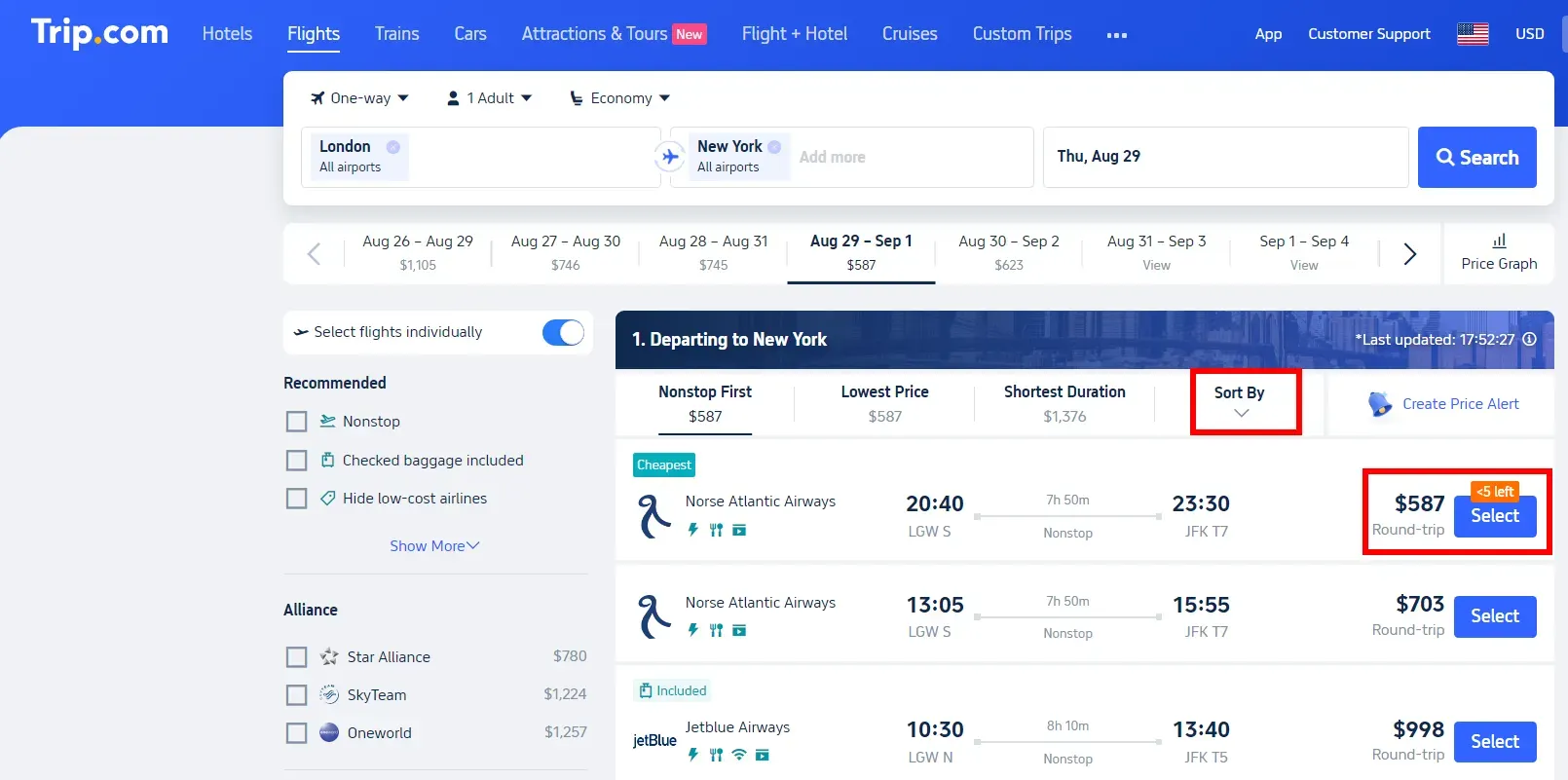
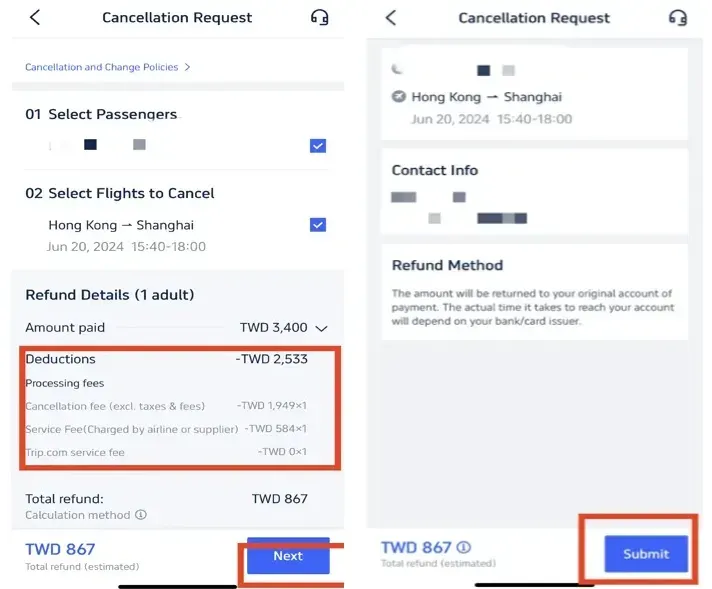
Check the Final Price Carefully
Always review the full price before payment. Scroll down and check the breakdown so you know the real total and avoid surprises.
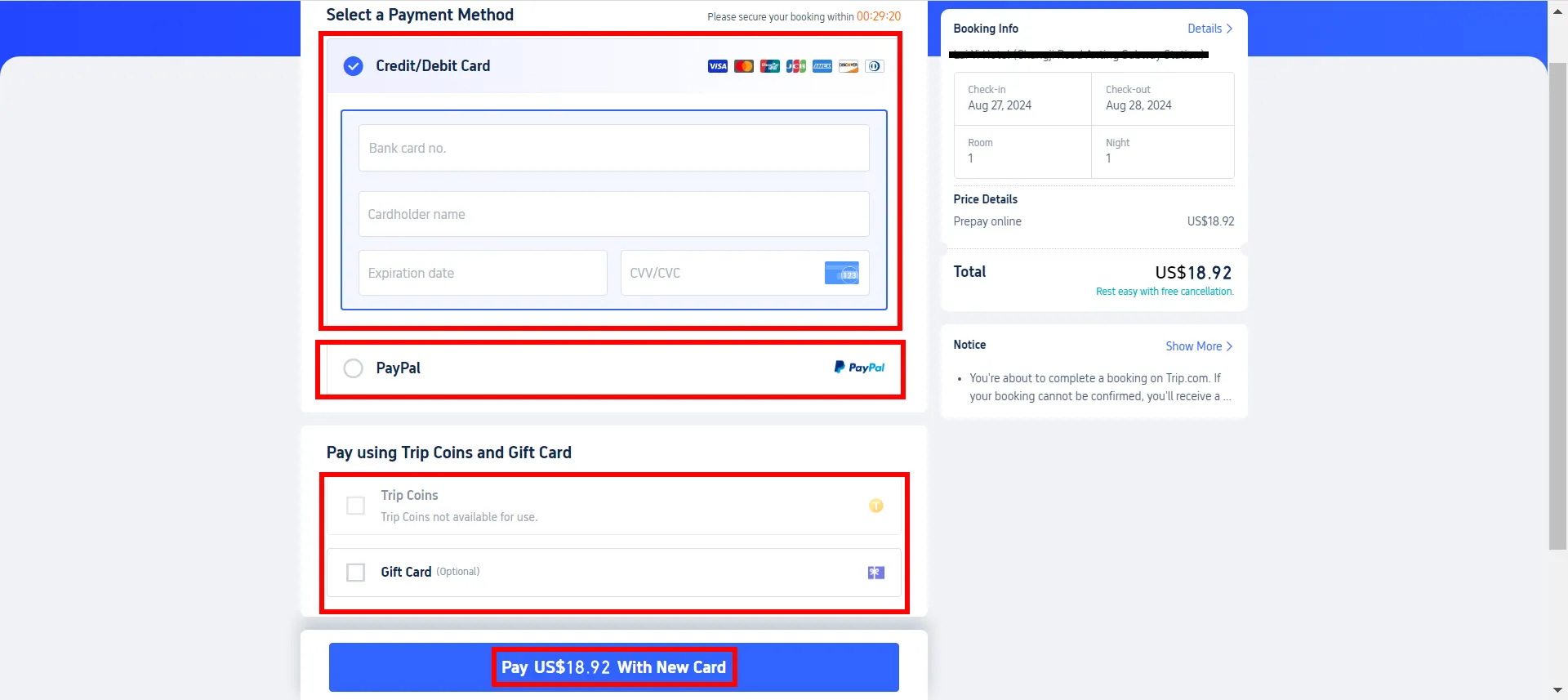
Use Fee-Free Cards
If possible, use a card with no foreign transaction fee or with cashback. This helps reduce extra charges when paying online.
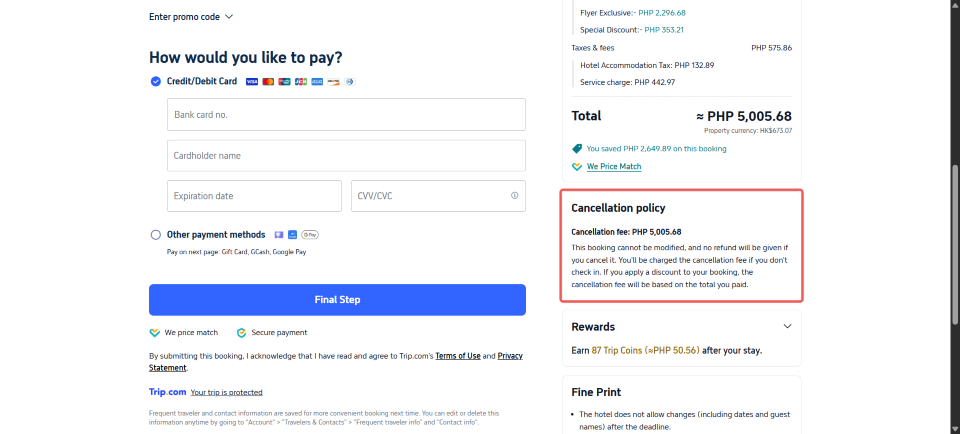
Read Cancellation Policies
Choose bookings with free cancellation or low change fees. This helps you avoid paying extra if your plans suddenly change.
 NO.1
NO.1





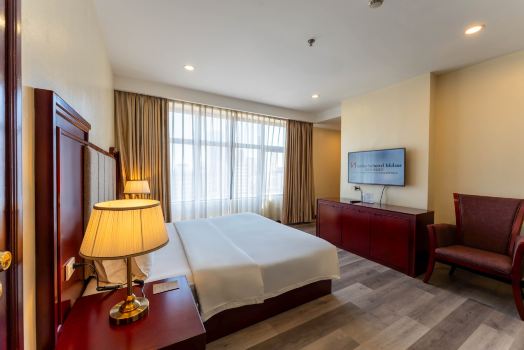


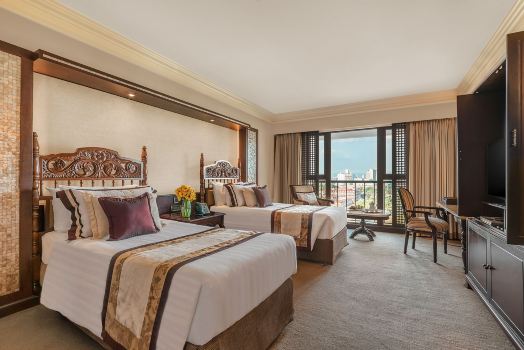



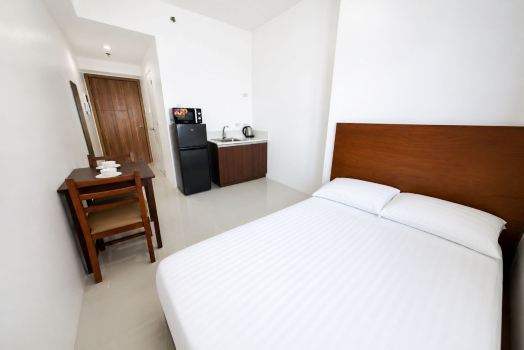

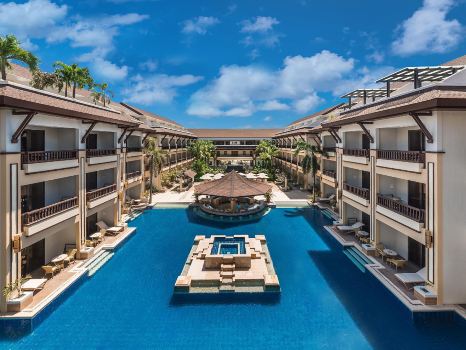


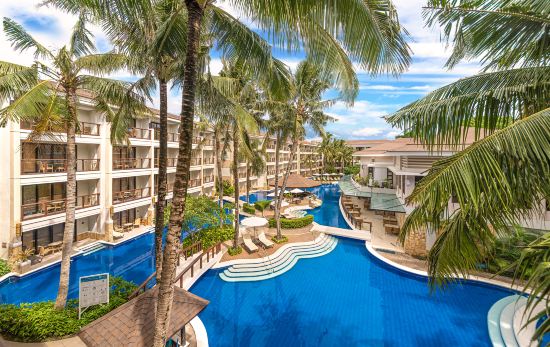


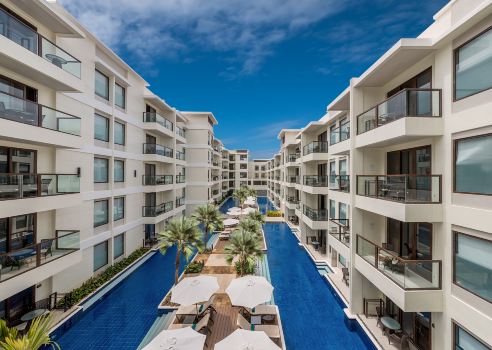


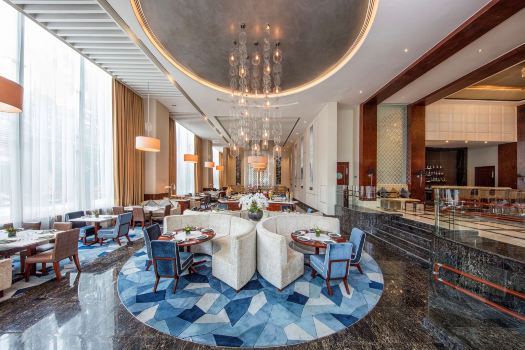
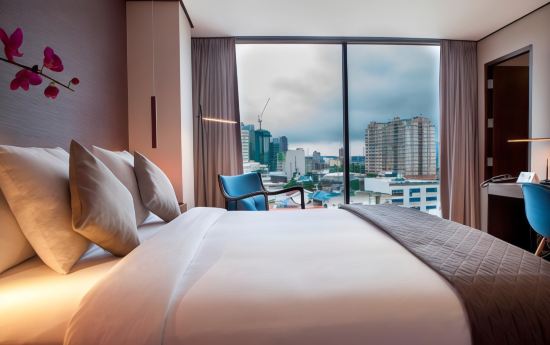
















Before You Book on Trip.com
A Trip.com booking fee is not always charged. Some bookings may have a separate service fee, while many standard flight and hotel bookings may have no separate platform fee or may already include the fee in the displayed price.
To avoid surprises, always check the full price breakdown before payment. Compare prices, use the right payment card, and read the cancellation rules carefully. With a little extra checking, Trip.com can still be a convenient and budget-friendly way for Filipino travellers to plan trips.
FAQs: Trip.com Booking Fee
-
Does Trip.com always charge a booking fee?
-
Where can I see the Trip.com booking fee?
-
Is the booking fee refundable?
-
Why is my total price higher at checkout?<br>
-
Can I avoid paying the Trip.com booking fee?
Trending Searches
-
Popular Content
-
Top Flight Links
-
Popular Hotels
-
Popular Things to Do
-
Featured guides
-
Trip.com links
- Trip.com E-Ticket
- Trip.com Payment Methods
- Trip.com Passport Change
- Trip.com Customer Service
- Trip.com Flight Cancellation
- Trip.com VIP Lounge Access
- Trip.com Phone Number
- Trip.com Check In
- Payment Sale
- Trip Coins
- Trip.com Hotel Refund
- Trip.com Cancellation Policy
- Trip.com Ticket Issued Status
- Trip.com Flight Ticket
- Trip.com Membership
- Trip.com E-Receipt
- Trip.com Seat Selection
- Trip.com Baggage Allowance
- Trip.com Flight Change
- Trip.com Reviews
- Plane tickets from Manila to Hong Kong
- Cheap tickets from Manila to Tagbilaran
- Cheap flights from Manila to Cebu
- Cheap flights from Manila to Iloilo City
- Cheap flights from Manila to General Santos
- Cheap tickets from Cebu to Manila
- Cheap flights from Bacolod to Manila
- Cheap flights from Manila to Tacloban
- CA986 Flight Status
- 5J187 Flight Status
- PR431 Flight Status
- PR741 Flight Status
- MH709 Flight Status
- EK2521 Flight Status
- 5J582 Flight Status
- Hotels near 72 wonder tower
- Hotels near Mactan–Cebu International Airport
- Hotels near Fenghuang Ancient Town
- Hotels near Greenland Xindu East Coast Times Square South Area
- Hotels near Changbai Mountain Beauty Pine International Sculpture Park
- Shiji Qingteng Capsule Hotel (T3 Terminal)
- Bangkok-Pratunam Hotel
- Shangri-La Resort
- De Mani Hotel
- Fan Yu Gaming Center
- Hotels in Fenghuang County
- Hotels in Davao City
- Hotels in North Jakarta
- Hotels in Moscow
- Hotels in Seoul
- Philippines 5G eSIM | Dual Network • All AI & TikTok | Day Pass/Total Data Package | 24-Hour Billing | 1-30 Days | QR Code
- Private Mutianyu Great Wall Trip With English-speaking Driver
- Chengdu Departure - Bipenggou Shuttle Bus
- Vietnam | 4G/5G eSIM | Daily/Data Plan | 24-hour Billing | 1-30 Days | QR code
- Vietnam Airport VIP Fast Track Service
- Bangladesh Dhaka DAC Hazrat Shahjalal International Airport T1 terminal international departure IBalaka Executive Lounge international departure lounge experience
- Huanglongjiuzhai Railway Station - Jiuzhaigou National Park shuttle bus · private charter optional
- Lantau Island Ngong Ping 360 round-trip cable car admission ticket with priority boarding + one-way urban area transfer
- Positano & Amalfi Coast: Guided Day Trip by High-Speed Train from Rome
- Football Soccer Matchday Experience in México City
- Museum of Tomorrow + Christ the Redeemer + Royal Portuguese Reading Room + Sugarloaf Mountain day tour
- 1-day tour to Snæfellsjökull National Park in Iceland
- Milan: Day Ticket for De Montel - Terme Milano
- 1 Meter Meat Platter at Fork Kuta Beach for 4 Pax
- Eatwith Shared Moments - Shanghai - A Moveable Feast - Exquisite Private Dinner in the Studio of a Youthful Female Artist
- Mothers Day Gifts
- eSIM
- Hong Kong International Airport
- International Driving Permit
- Toronto Pearson International Airport
- Universal Studios Singapore
- Great Wall of China
- UK ETA
- Narita International Airport
- China Currency
- Changi Airport
- Schengen Visa
- Singapore MRT Map
- France Visa
- Ninoy Aquino International Airport