What's a Railcard?
How much is a Railcard?
Railcards cost just £35 for a whole year's worth of discounted rail travel, which will come into effect the moment you buy it. Some Railcards are also available as a 3-year option for just £80, meaning you'll only be paying around £27 per year!
| Railcard type | 1-year price | 3-year price |
|---|---|---|
| 16-17 Saver | PHP 2,925.59 | N/A |
| 16-25 Railcard | PHP 2,925.59 | PHP 6,687.06 |
| 26-30 Railcard | PHP 2,925.59 | N/A |
| Senior Railcard | PHP 2,925.59 | PHP 6,687.06 |
| Two Together Railcard | PHP 2,925.59 | N/A |
| Family & Friends Railcard | PHP 2,925.59 | PHP 6,687.06 |
| Network Railcard | PHP 2,925.59 | N/A |
Railcard FAQs
How do I add a Railcard to my Oyster card?
All you need to do is take your Oyster card (which must be registered online first) and Railcard to a Tube, Overground, or Elizabeth line station and ask a member of staff (typically at a ticket desk) to apply the Railcard to the Oyster card.
How do I use my Railcard?
When buying your train tickets, select your Railcard. If the fare is eligible, your discount will be applied automatically. You will likely have to present your Railcard alongside your ticket while on board your journey - it will be stored on your Trip.com account along with your ticket for easy access. It couldn't be easier!
How do I add a Railcard to my Apple Wallet?
There is no official way to link a Railcard to your Apple Wallet - but don't worry! Your Railcard is stored digitally on your Trip.com app for instant access whenever necessary.
Does a Railcard work on the Tube (Underground)?
Yes, but only if you link it to a registered Oyster card, meaning you can receive ⅓ off Off-Peak Pay As You Go (PAYG) fares, or on Off-Peak Day Travelcards when used for journeys beginning or ending on National Rail services in London.
Can you use a Railcard on Eurostar?
No, unfortunately, Eurostar is not part of the Railcard discount scheme.
How long does it take to get a Railcard?
Once you purchase your Railcard on Trip.com, you'll be able to use it instantly! This is one of the many benefits of buying a digital Railcard, as it could take up to 10 days to receive a physical one.
Is it better to buy a digital Railcard or a physical Railcard?
Using a digital Railcard is recommended. Digital Railcards can be stored on the Trip.com app on your phone, which means that you don't need to carry a physical card. Digital Railcards can be stored on up to two devices and do not need to be mailed like physical Railcards, making them more convenient.
What should I do if I lose my device?
Don't panic! Your Railcard is stored on your account, so you simply need to download the app and sign in using your new device to access your Railcard.
Which Railcard provides the biggest discount?
The 16-17 Saver Railcard. It gives young adults aged 16–17 a 50% discount on most UK rail fares.
Can I get a refund if I don't use my digital Railcard?
No. Unfortunately, Railcards are non-refundable once issued.
Why has my Railcard been blocked?
If suspicious activity is detected on your Railcard, it will be blocked until National Rail has an opportunity to speak with you. During this period, your Railcard will no longer be valid for travel.
If you notice your Railcard is not working or is missing from your account, you will need to contact National Rail so that they can better understand the activity that has caused your Railcard to be blocked.
How to get a Railcard on the Trip.com app
It's easy to start saving with your Railcard if you have the Trip.com app downloaded. If you have the Trip.com app downloaded on your phone, you can start saving today by following these simple steps.
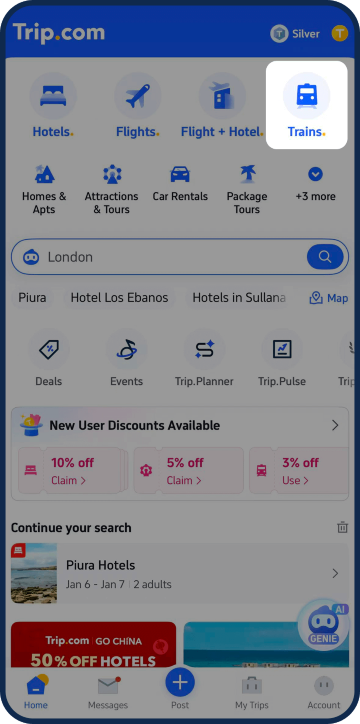
Tap 'Trains'
Open the Trip.com app and access the Trains section via the homepage.
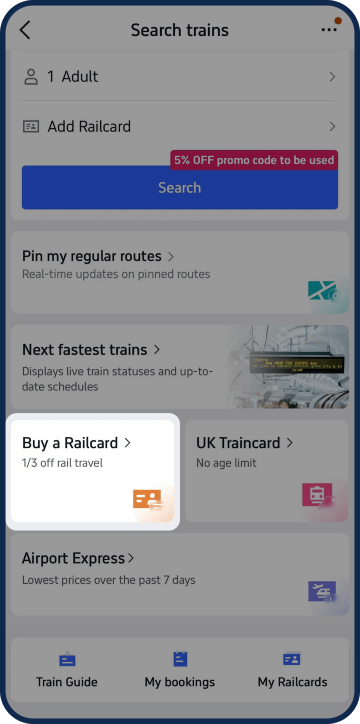
Select 'Buy a Railcard'
You'll find a Railcard button toward the bottom of the page.
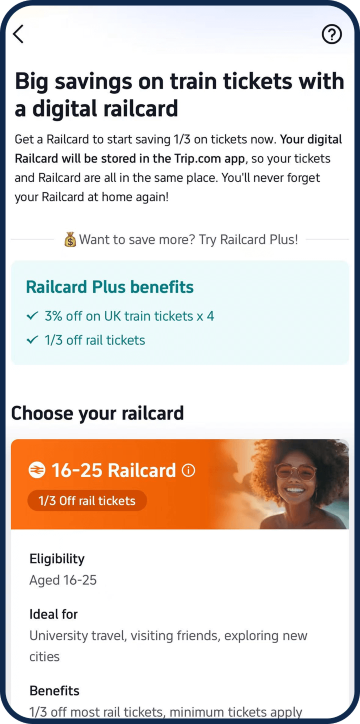
Find the right Railcard for you
Take a look at the different types of Railcards available and select your ideal option. Use our sorter above for help!
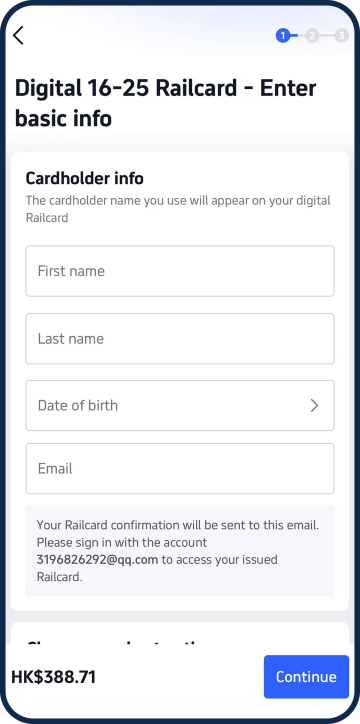
Purchase your Railcard
Once you've found the right choice for you, enter your personal and payment information and select 'Continue.'
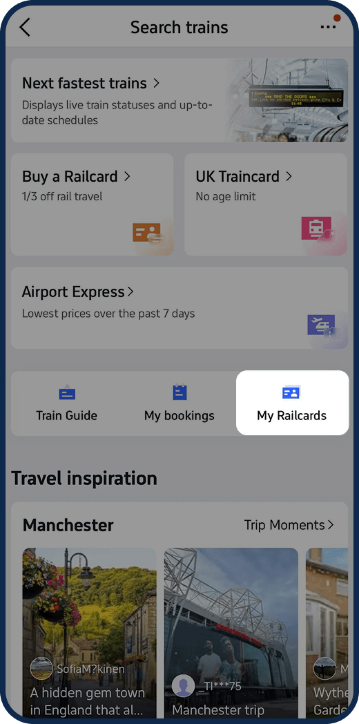
View 'My Railcards'
You can find your Railcard by going into your Account - you're now all set to start saving!
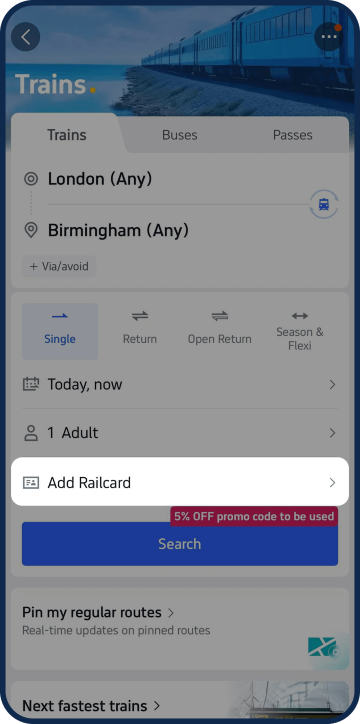
Add your Railcard
Make sure your Railcard is added when booking any train tickets to start enjoying discounts.
Travel inspiration for Railcard users
 10 Jul 2025
Train travel with large groups: A complete guide
 17 Jul 2025
The 10 best day trips from every popular UK city by train
 13 Nov 2025
4 snowy winter day trips by train: Peak District & more
 13 Nov 2025
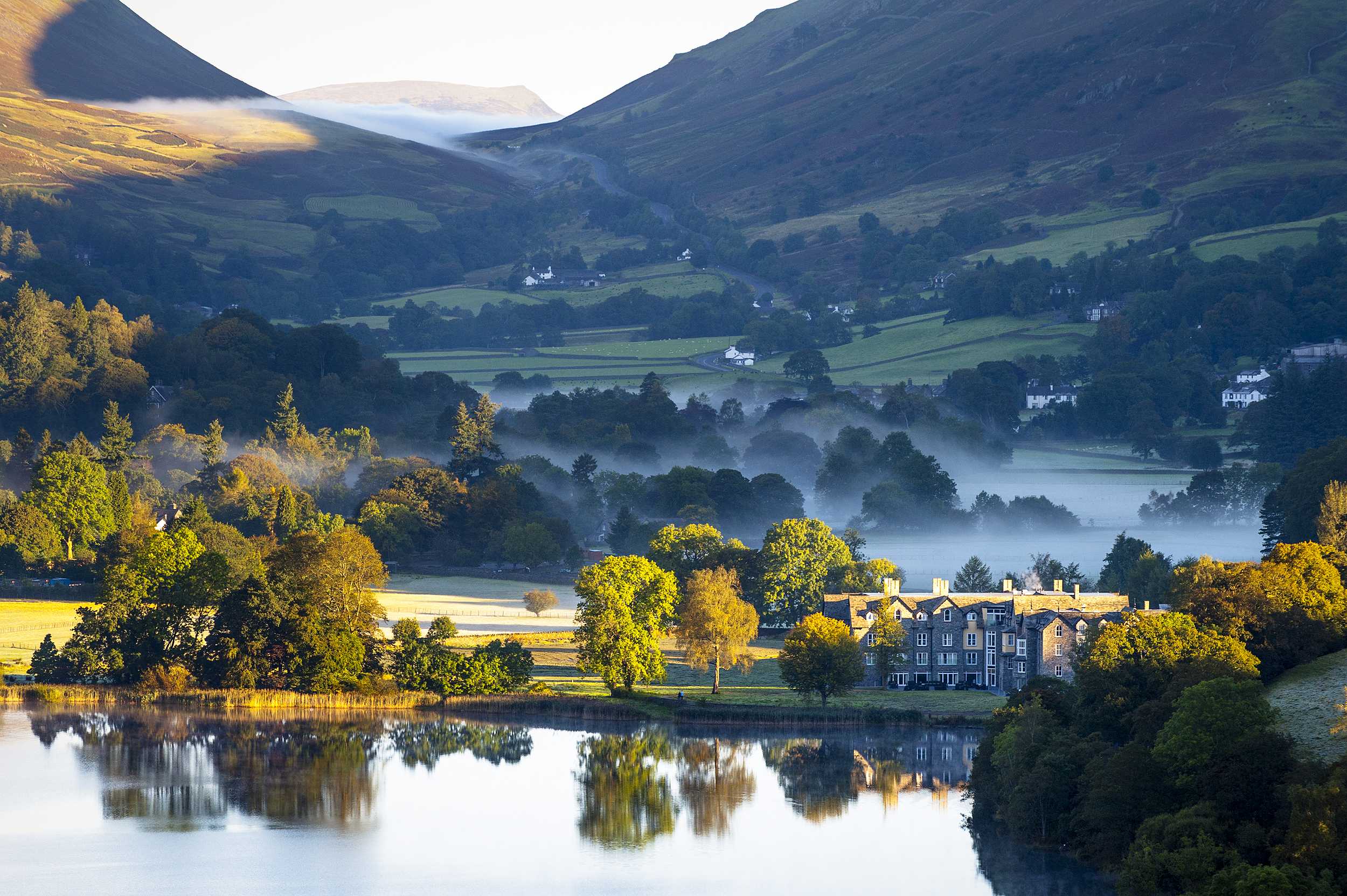
Every key Lake District Train station: Which is best for you?
 11 Oct 2025
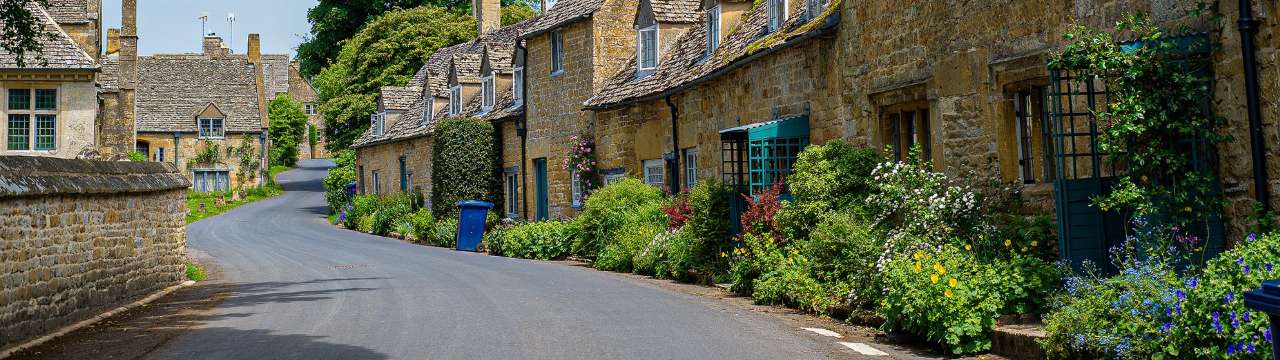
London to Cotswolds weekend trip: Trains, sights & itinerary