
S7 Airlines Flights & Tickets
Find the cheapest S7 Airlines flight tickets and deals




Swipe up to view more
About S7 Airlines
Airline code
S7
Airline name
S7 Airlines
Local Name
АО «Авиакомпания "Сибирь"»
Alliance
Oneworld
Airline type
Full-service carrier
Home country
Russia
Year of establishment
1992
Routes
134
Destinations
78
Annual passengers (million)
17.8
Fleets
102
Connected countries
10
Main airport(s): Moscow Domodedovo Mikhail Lomonosov Airport
Website:
https://www.s7.ru/en/
S7 Airlines travel classes
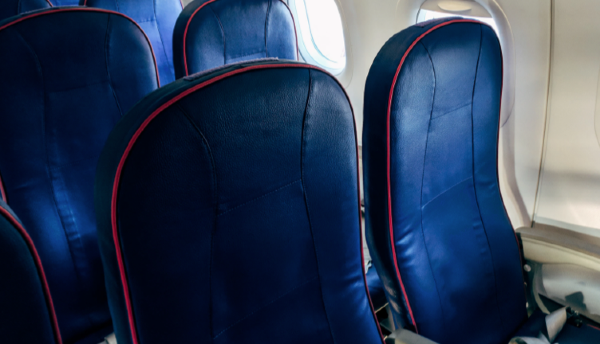
Economy Class
Experience affordable comfort and convenience with S7 Airlines Economy Class, providing a seamless travel experience for budget-conscious travelers.
Complimentary food and drinks
In-flight entertainment
On-board Wi-Fi
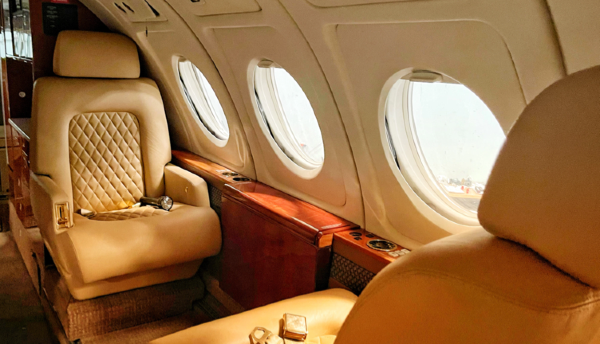
Business/First Class
Experience luxury and comfort in the sky with S7 Airlines Business Class, offering exceptional service and an elevated travel experience.
Priority check-in and boarding
Extra baggage allowance
Access to private lounges
Wider seating that converts to a fully flat bed
Complimentary food and drinks
In-flight entertainment
In-seat power access
On-board Wi-Fi
Fine dining
More personal space
S7 Airlines Partners and Alliances
 American Airlines
 Royal Air Maroc
 Finnair
 British Airways
 Alaska Airlines
 Cathay Pacific
 Fiji Airways
 Iberia
 Japan Airlines
 Malaysia Airlines
 Royal Jordanian
 Qantas Airways
 Qatar Airways
 SriLankan Airlines
 Oman Air
 Air Nostrum
Show more
Frequently Asked Questions
What are the most popular routes operated by S7 Airlines (S7)?
Popular routes operated by S7 Airlines (S7) include Bangkok⇒Irkutsk, Beijing⇒Novosibirsk and Antalya⇒Moscow. Of these routes, Bangkok=>Irkutsk is the most popular route with 22 flights per day.Does S7 Airlines have baggage allowance?
0-1 pieces of luggage are usually permitted for each economy class passenger traveling with S7 Airlines (S7). This information can vary depending on your flight, so be sure to check your itinerary.
Note: Prices shown on this page are the lowest estimated prices found in the last 24 hours and include all taxes and fees.